Kimi
How the Kimi UI changed
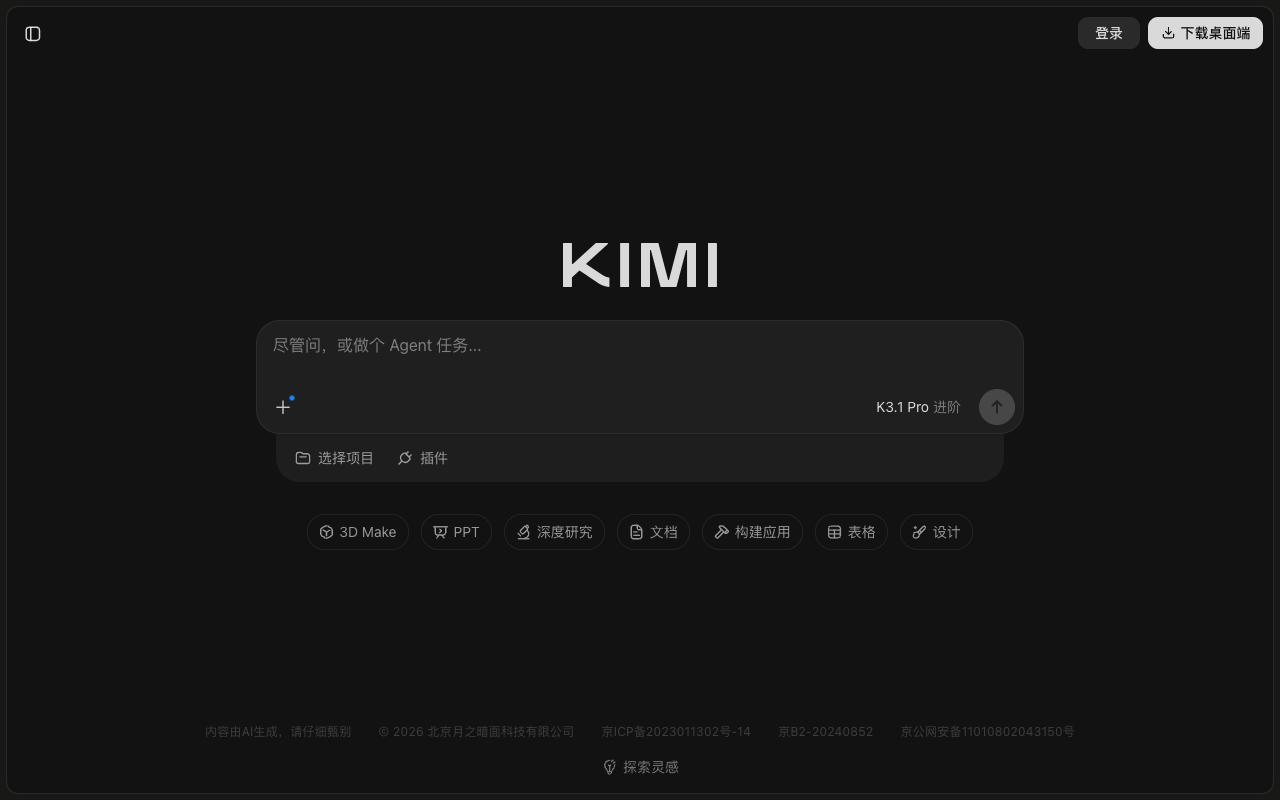
- October 19, 2026 — 3D Make added to the input area
Design analysis
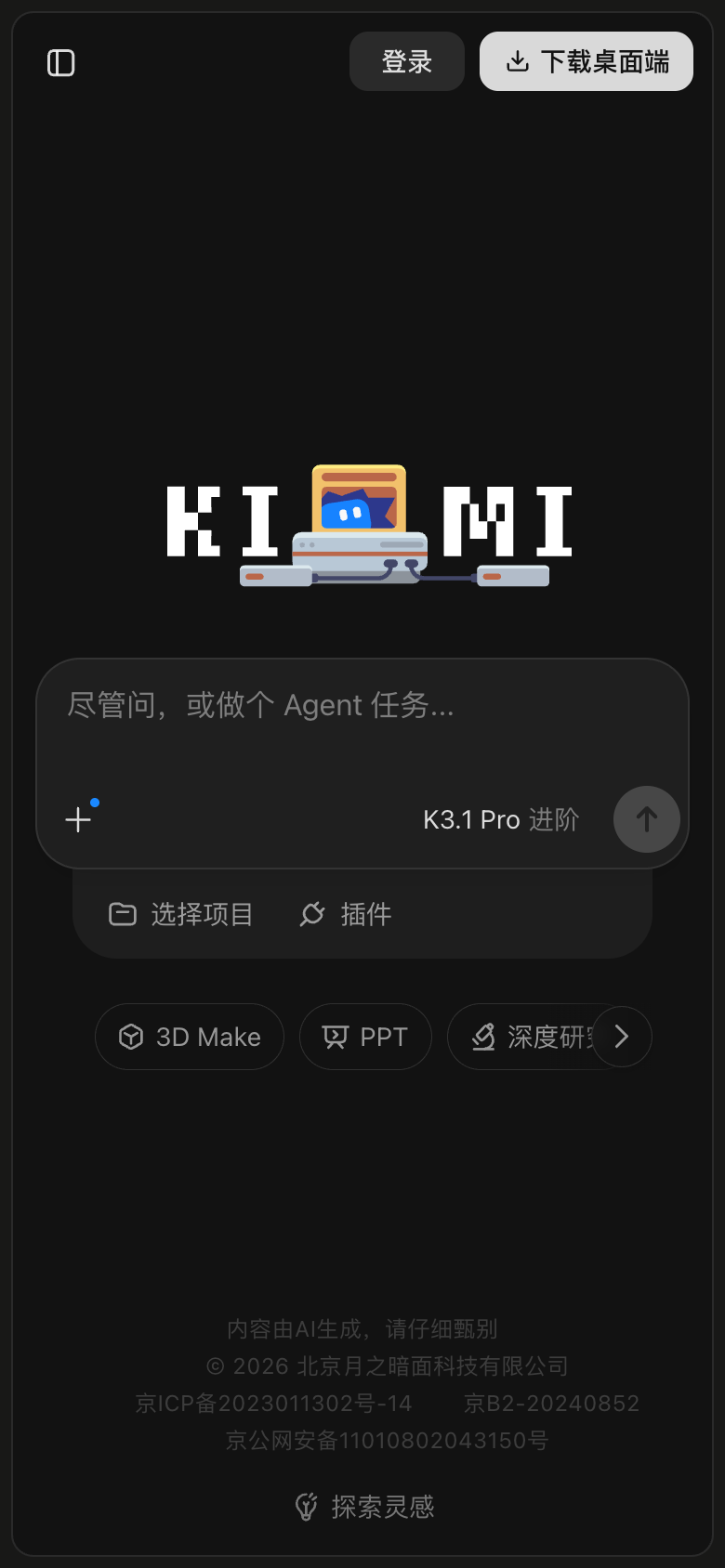
This shows the desktop version of Kimi for the week of 2026-10-19, before scrolling. This is the view for visitors who are not signed in. A large message box sits in the middle of the screen. The Kimi logo stands out most, followed by the message box. Seven buttons below the box show what it can do, like 3D Make and PPT. The outline of the message box is hard to see against the dark background. A note at the bottom says the content is made by AI and should be checked carefully. That note is much lighter than a common accessibility guideline recommends. A new 3D Make button now appears below the message box. The Fast label in the message box now reads K3.1 Pro.