Gemini vs Kimi: UI comparison
How Gemini (Google) and Kimi (Moonshot AI) compare on a desktop screen in the week of October 19, 2026: 6 differences and 2 similarities, measured from each product's weekly screenshot.
Open in Compare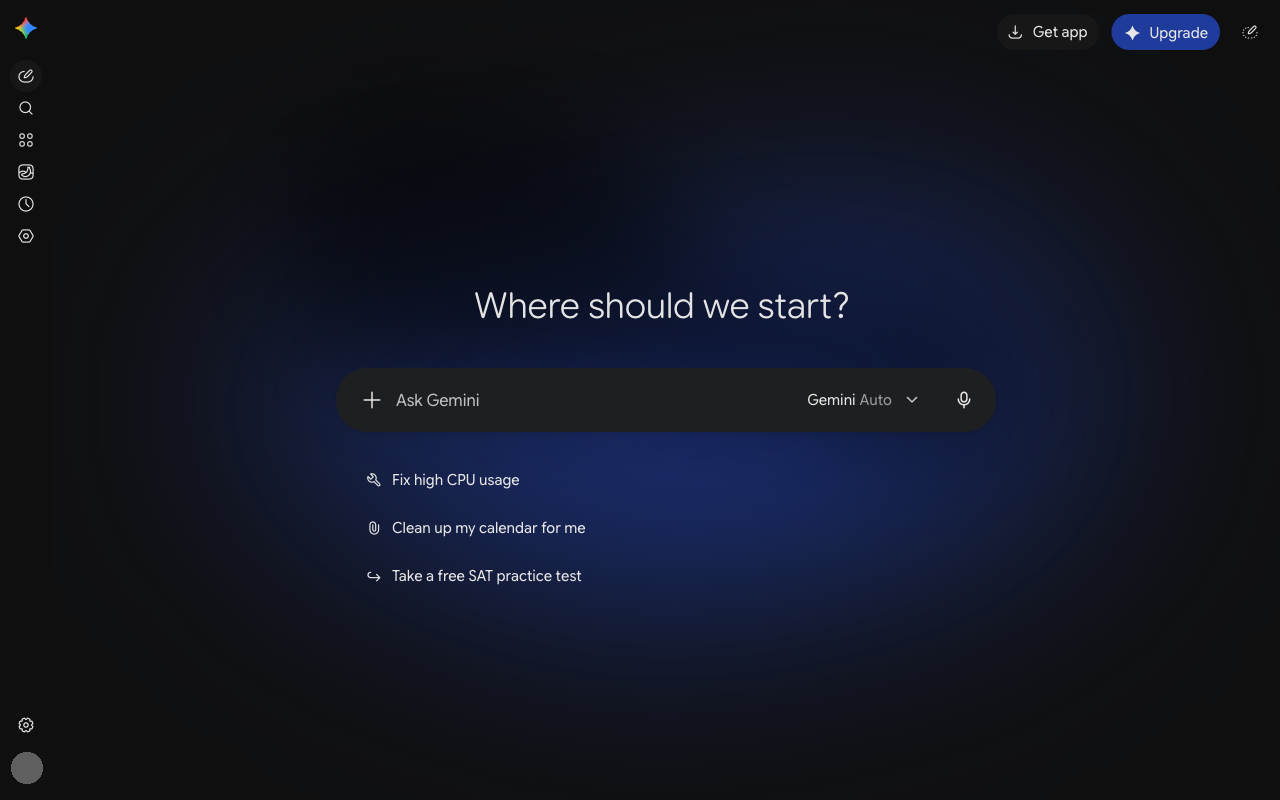
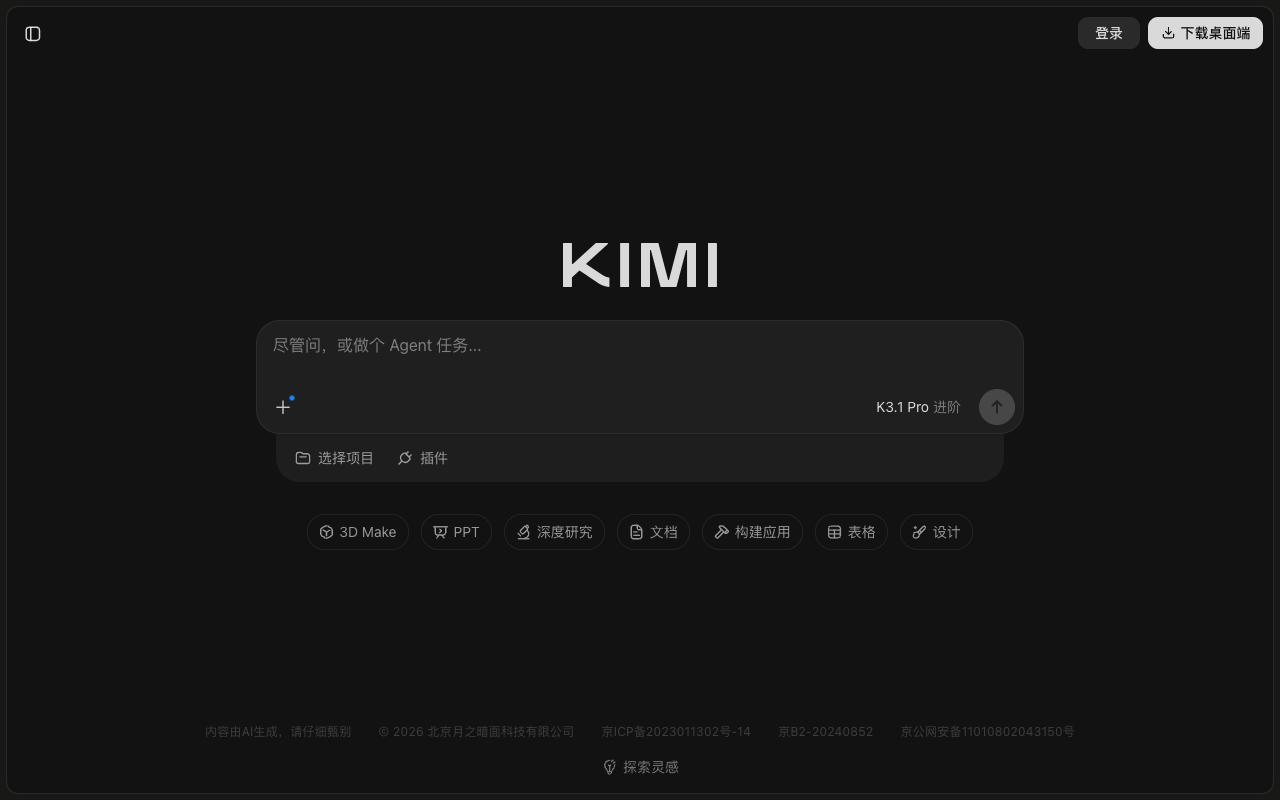
Differences
- Gemini shows 4 menu items outside the sidebar; Kimi shows 14.
- Kimi's message box covers more of the screen than Gemini's (8.6% vs 4.1%).
- Kimi shows more clickable items than Gemini (~18 vs ~14).
- Gemini's sidebar takes 4% of the screen width, Kimi shows no sidebar.
- Gemini uses 3 text sizes; Kimi uses 2.
- Kimi shows a note about the AI's limits; Gemini does not.
Similarities
- Both were captured in dark mode.
- Both message boxes sit in the middle third of the screen.
Latest menu changes
Gemini
Week of October 12, 2026, compared with the week of October 5, 2026:
- The icon of a sidebar button changed (diamond icon → clock icon).
- An icon button (hexagon icon) now appears in the sidebar.
Kimi
Week of October 19, 2026, compared with the week of October 12, 2026:
- A new 3D Make item appears in the input area.