Grok
Design analysis
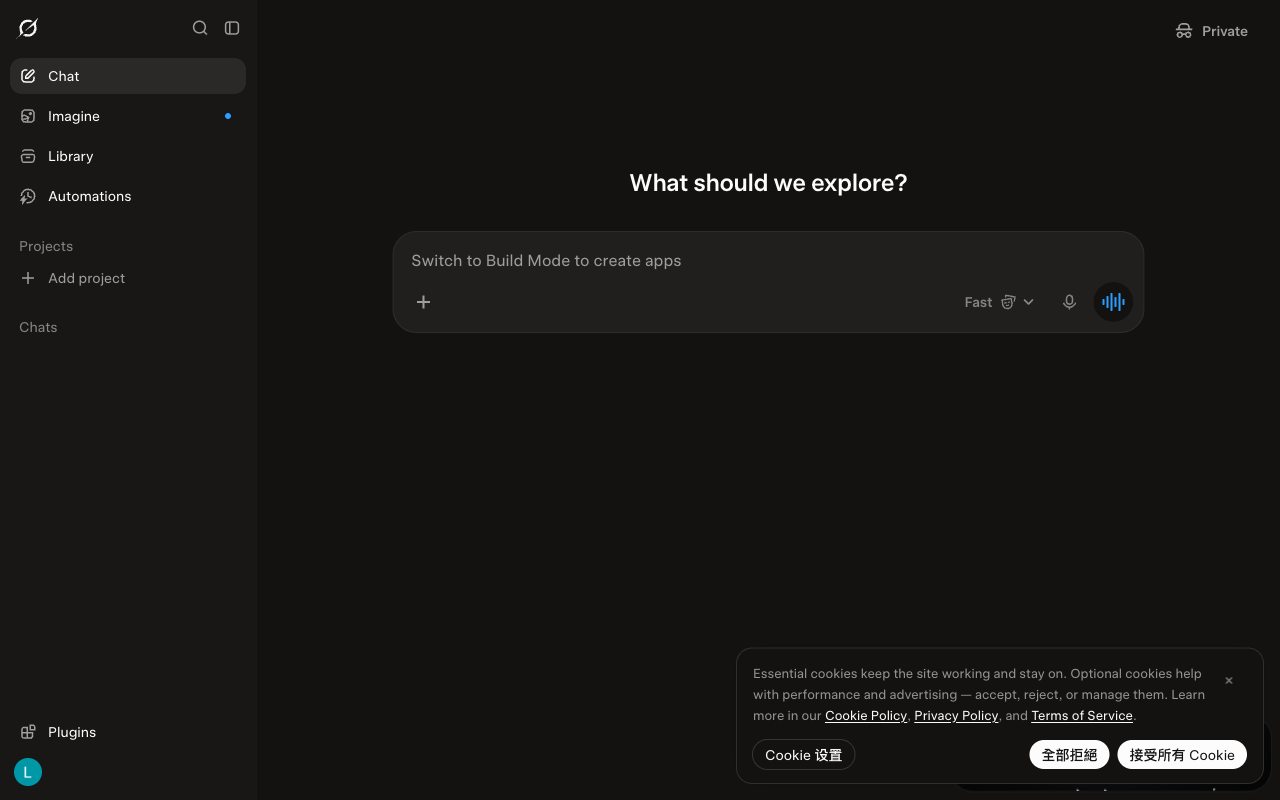
This shows the desktop version of Grok for the week of 2026-09-28, before scrolling. A menu on the left takes up about a fifth of the screen width. A large question at the top asks what to explore. The message box in the middle is the largest item on the screen. Most text is light enough against the dark background to meet a common accessibility guideline. The label on the Fast mode button is dimmer than that guideline recommends. There are no suggested prompts. There is no note that it can make mistakes. Compared with the week of 2026-09-21, a cookie notice is now among the three items that stand out most.