Grok
Design analysis
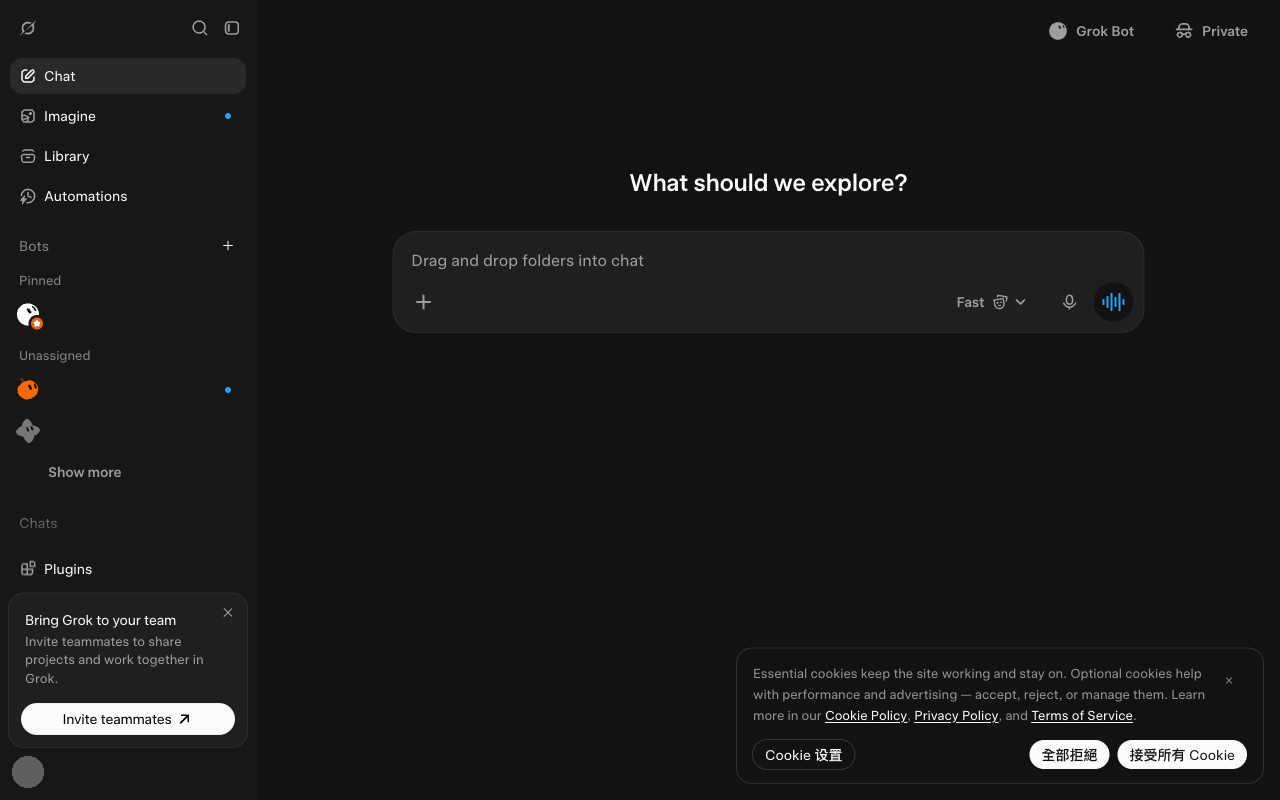
This shows the desktop version of Grok for the week of 2026-10-19, before scrolling. A menu on the left takes up about a fifth of the screen width. A large question at the top asks what to explore. The message box in the middle is the largest item on the screen. Most text is light enough against the dark background to meet a common accessibility guideline. One small label in the left menu is lighter than a common accessibility guideline recommends. The hint text in the message box says you can drag and drop folders into chat. There is no note that it can make mistakes. The sidebar item Add project now appears as a plus icon without a label. The hint text in the message box differs from the week of 2026-10-12.